Receipt scanner for iPhone
The receipt scanner that splits the bill.
Point your camera at the receipt. SplitNShare reads every line, then helps you work out exactly what each friend owes.
Download on theApp Store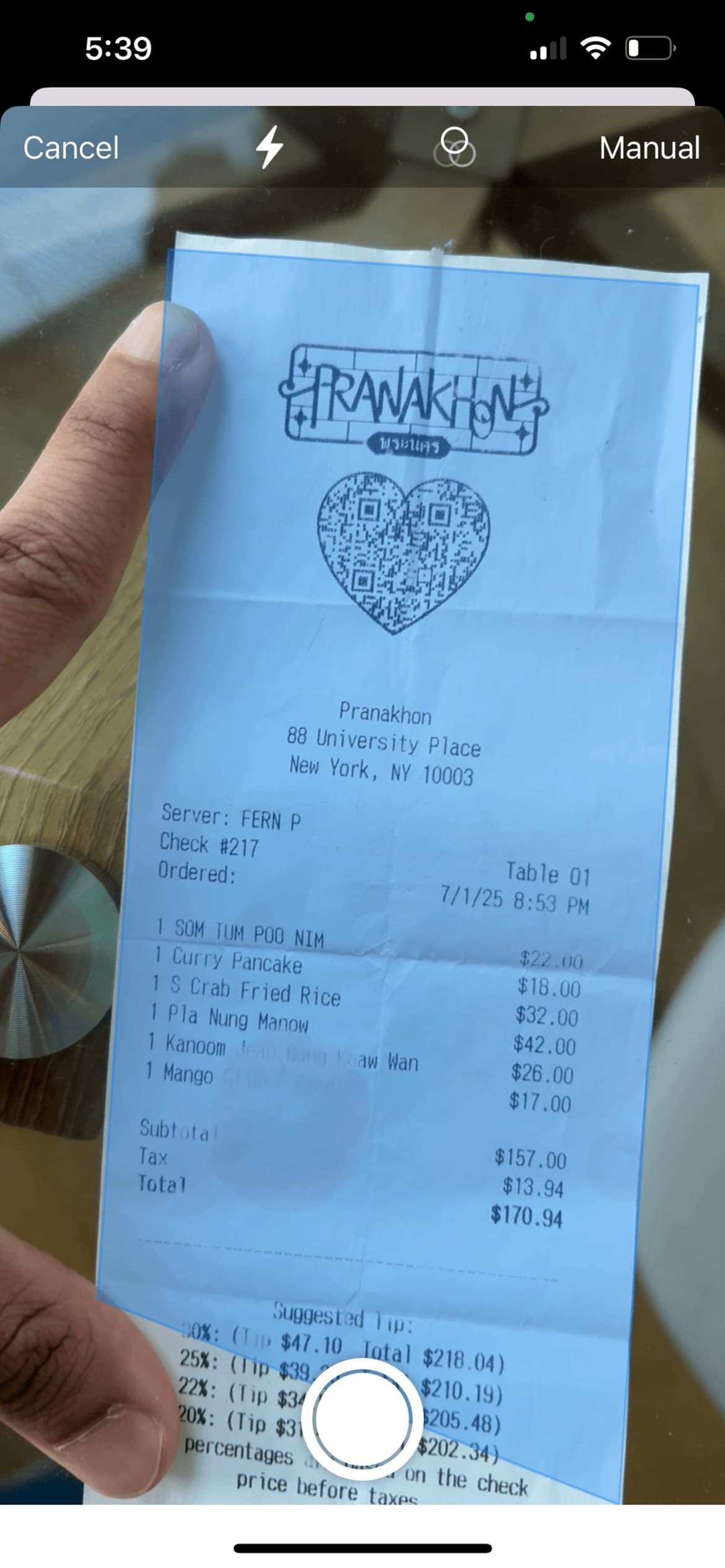
What it reads off your receipt
Every line item
Names and prices for each thing on the bill.
Quantities
“2 × Margarita” comes through as two, ready to split.
Tax
Including receipts with more than one tax line, added up for you.
Tip or gratuity
Picked up when it's printed, like an automatic service charge.
Totals
Subtotal and total, so you can check everything lines up.
Currency
Detected from the receipt, and easy to change.
Scan with the camera, or upload a photo
The scanner finds the edges of the receipt and crops it for you, so you don't need to line it up perfectly. Already took a picture at the table? Pick it from your photo library instead. Screenshots of digital receipts work too.
Check it, fix it, split it
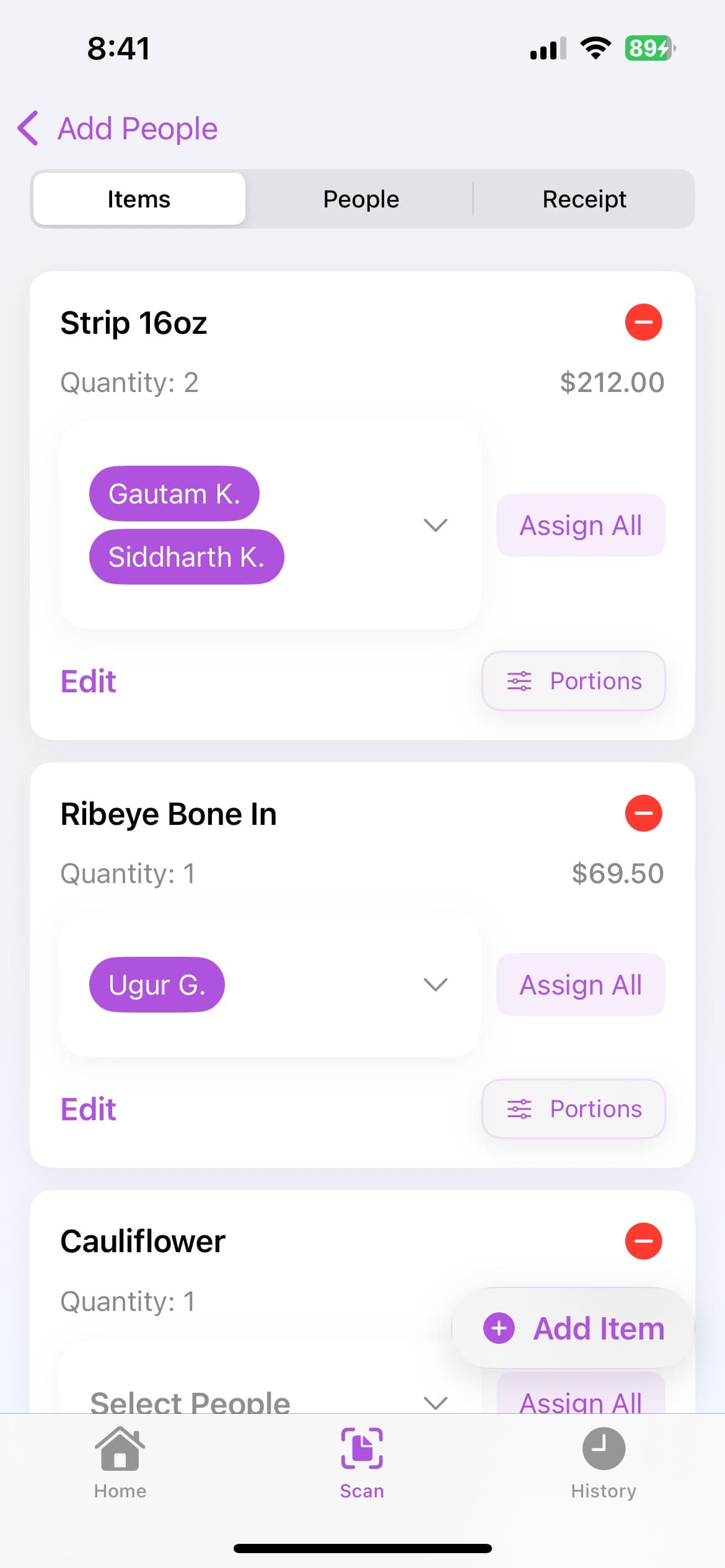
Scanning gets you a clean, editable list rather than a final answer. Glance over it, fix anything that came through wrong, and add anything that's missing. Then add the people who were there and tap who had what. Shared a dish? Put several people on it, evenly or by portions. SplitNShare spreads the tax and tip in proportion to what everyone ordered. See the full walkthrough.
Tips for a better scan
- Lay the receipt flat and smooth out any folds.
- Use good, even light and avoid shadows across the paper.
- Get the whole receipt in frame, including the tax and total lines.
- Thermal receipts fade over time, so scan them the same day if you can.
Made for splitting, not expense reports
Most receipt scanner apps are built to file receipts for work or taxes. SplitNShare is built for the moment after a group meal, when one person has paid and everyone needs to know their share. It turns a receipt into each person's total, lets you send a breakdown or request on Venmo, and keeps every split in your history.
No receipt handy? Try the bill split calculator on the web instead.
Receipt scanner questions
Is the receipt scanner free?
Yes. SplitNShare is free to download on the App Store, and scanning receipts is part of the app.
Can I upload a photo instead of scanning?
Yes. Choose a photo from your library instead of using the camera. That works for screenshots of digital receipts too.
What if the scan gets something wrong?
Tap any item to fix its name, price, or quantity, or add an item the scan missed. Tax and tip can be edited too. Faded, crumpled, or partly cut-off receipts are the ones most likely to need a fix.
Does it work with receipts in other currencies?
Yes. SplitNShare detects the currency on the receipt and uses it for the totals and the shared PDF. You can change it if it guesses wrong.
Is it an expense tracker?
No. SplitNShare is built for splitting a bill between people, not for filing receipts for work or taxes. Your past splits are saved in your history, though.
Is there an Android version?
Not yet. SplitNShare is available for iPhone.